
Help Resources
BACS Payment Gateway
BACS Payment Gateway Overview
BACS Payment Gateway is an offline payment method in XPOR. It lets you collect the bank details that your customers will use to transfer money directly to your account. The information you enter here will be shown to the customer during checkout so they know where to send their payment.
When you add a BACS Payment Gateway to an Order Type, it becomes one of the payment options available to shoppers. Because it is an offline method, the order will only be marked complete once you confirm receipt of the bank transfer. This makes it a simple, low‑cost way to accept payments without integrating a third‑party processor.
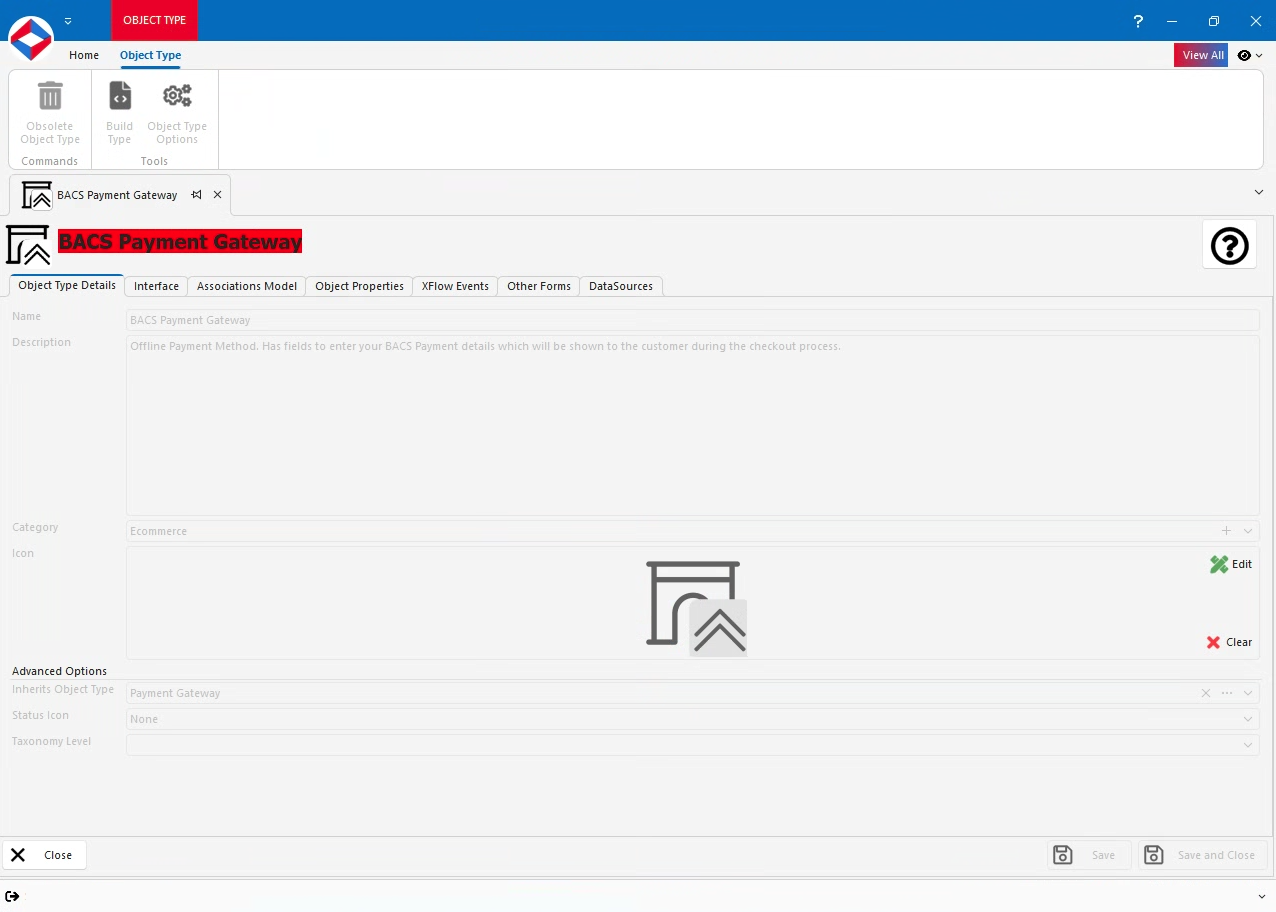
BACS Payment Gateway Properties
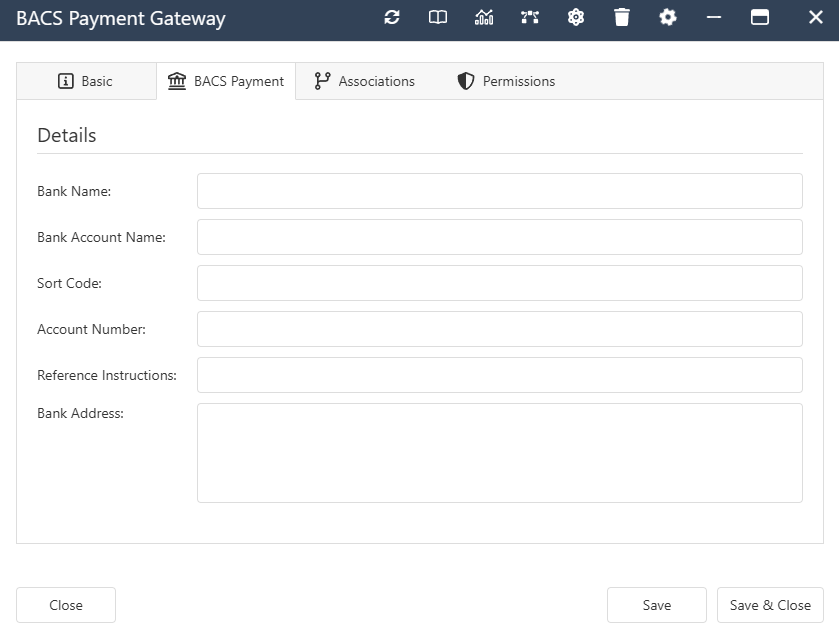
- BankName - Text Property. The name of the bank.
- BankAccountName - Text Property. The name on the account.
- SortCode - Text Property. The bank’s sort code.
- AccountNumber - Text Property. The account number.
- ReferenceInstructions - Text Property. Any notes you want the customer to include as a reference.
- BankAddress - Text Property. The full address of the bank.
Click here to view the Properties inherited from Payment Gateway
BACS Payment Gateway Interface
BACS Payment Gateway Associations
- System -
- Contained By. Allowed Types - Order Type.
Click here to view the Associations inherited from Payment Gateway