
Help Resources
Order
Order Overview
Order objects are created when a customer orders a product. The details of the products they put in a purchase for are stored in an automatically generated Order object - which is then shown on your Ecommerce Application for you to observe and edit. It's a handy way of finding specific information - and because it's made under the Order Type, each Order stays consistent, ensuring a smooth running of your system.
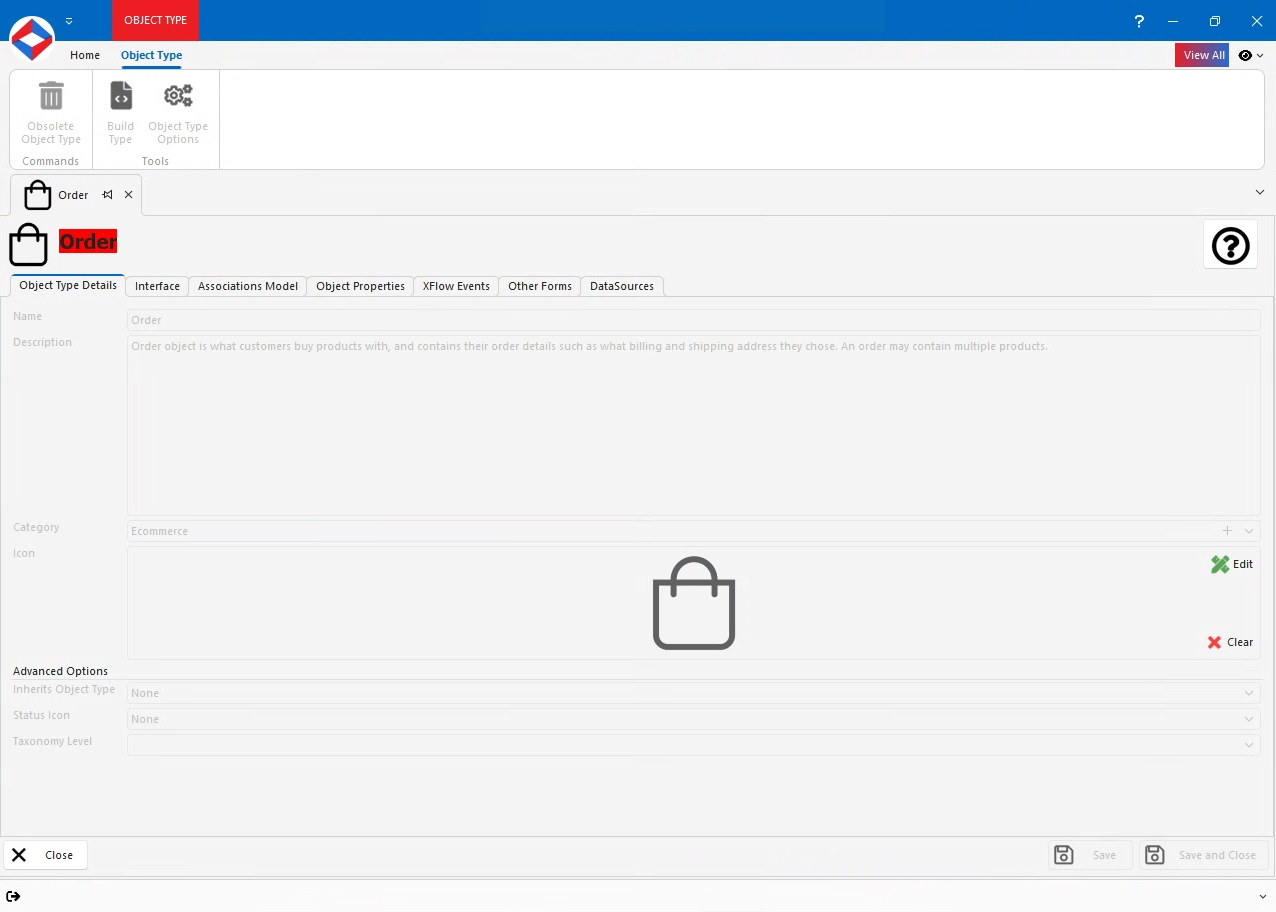
You don't actually have to change much on the order once it's been generated. It is there to keep a record of what the customer has ordered and the means of which they did so - so the details are filled out automatically.
Order Properties
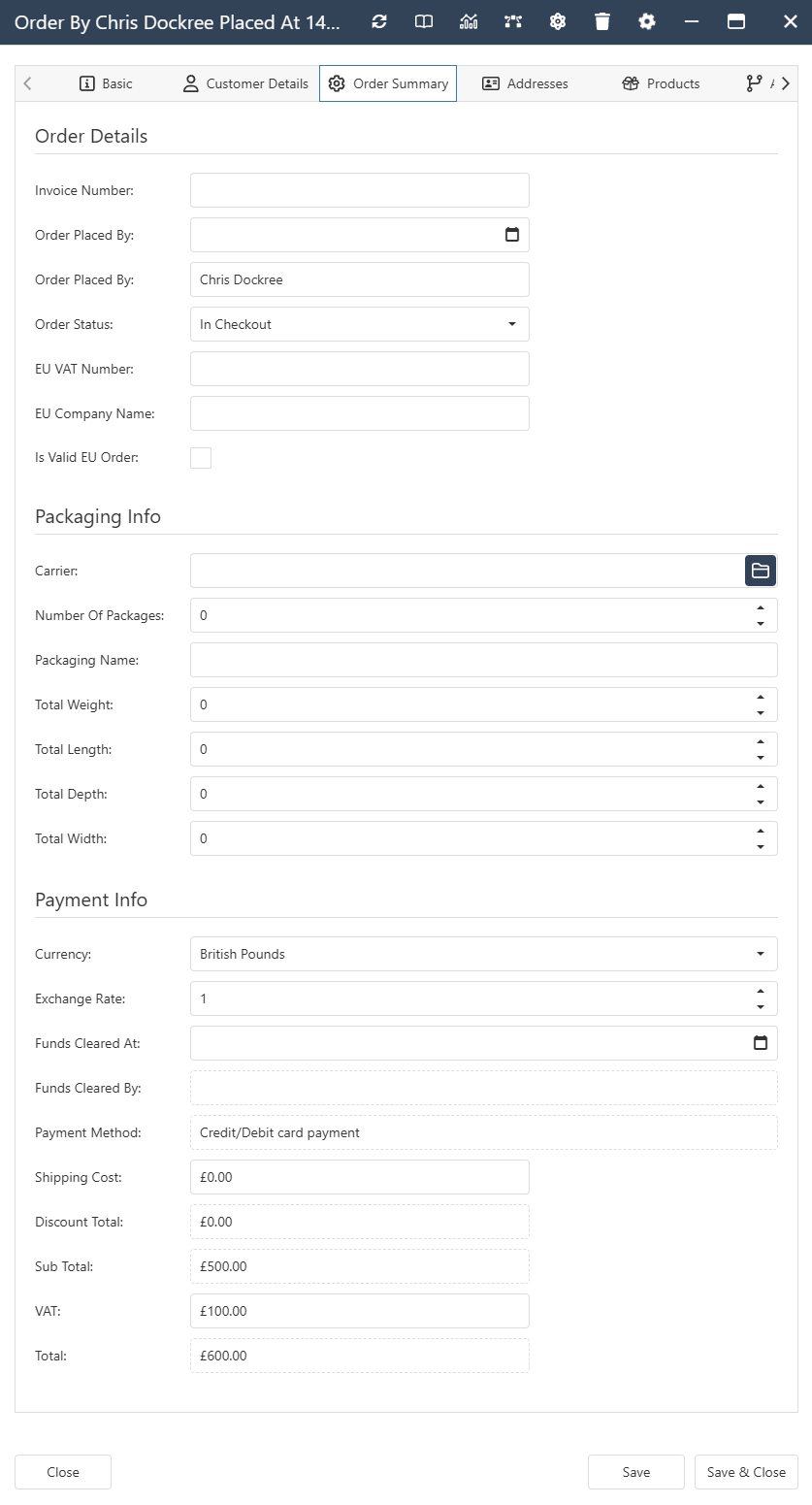
- PlacedBy - Contact Object Property. The customer who made the purchase.
- OrderStatus - Constant Set Property. Shows where the order is in the process.
- In Checkout
- Awaiting Payment
- Completed
- Cancelled
- Auto Cancelled
- Awaiting Dispatch
- Dispatched
- InvoiceNumber - Text Property. The text code that identifies the invoice for the order.
- ShippingMethod - Shipping Method Object Property. The Shipping Method object that tells how the product will be sent.
- CurrencyId - Currency Table Property. The currency used for the order.
- PaymentGatewayObjectId - Payment Gateway Object Property. The Payment Gateway object that handled the payment.
- ShippingCost - Number Property. The amount charged for shipping.
- DiscountTotal - Number Property. Any discount applied to the order.
- SubTotal - Number Property. The total price of the items before taxes and shipping.
- VATTotal - Number Property. The value‑added tax amount.
- Total - Number Property. The final amount the customer pays (SubTotal + VAT + Shipping – Discount).
Order Interface
Order Associations
- System -
- Contained By. Allowed Types - Order Type.
- Contains. Allowed Types - Discount Voucher, Payment Gateway, Product.
- Ecommerce -
- Ordered By. Allowed Types - Contact.
- Order Products. Allowed Types - Product.
- Referenced Order for. Allowed Types - Order.
- Referenced Orders. Allowed Types - Order.