
Help Resources
Viewable Object
Viewable Object Overview
Viewable Object is a base type in the XPOR system that represents any item that can be reached through a web address. It is not created on its own; instead, other object types inherit from it to gain URL access.
When a user goes to a URL, the Domain and URL are split to find the website and, in turn, the Viewable Object for the system to render. This makes the object reachable from the internet and allows it to appear in navigation structures.
Because Viewable Object is a base type, many other object types - such as Web Page, Link, Image, RSS Feed, and various specialized objects - inherit these properties. This inheritance ensures consistent URL handling, navigation visibility, and menu integration across the entire XPOR platform.
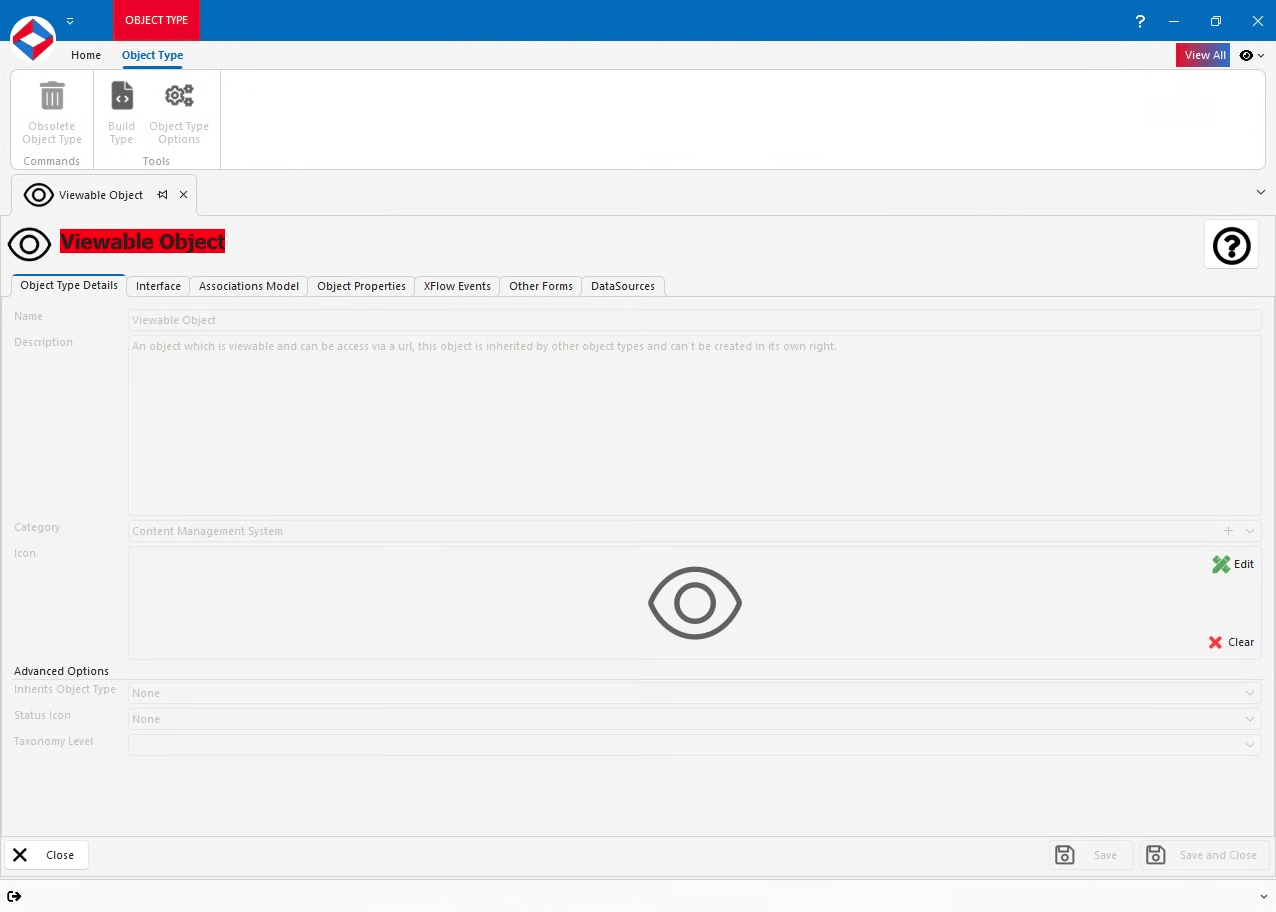
Viewable Object Properties
- WebsiteObjectId - Website Object Property. The Website that the Viewable Object is used on. This is used to generate it's full URL, using the Domain from the Website.
- SiteMap_Enabled - Boolean Property. True will make the Object appear in Site Maps.
- SiteMenu_Enabled - Boolean Property. True will make the Object appear in Site Menus.
- AltMenuName - Text Property. If you require a different name to appear in Site Menus, you can set it here.
- LoggedInAltMenuName - Text Property. If you require a different name to appear in Site Menus and the user is logged in, you can set it here.
- FireXFlowAfterLoad - XFlow Property. The XFlow that is fired AFTER the page has finished loading.
- FireXFlowOnLoad - XFlow Property. The XFlow that is fired on the server BEFORE the page is returned to the user.
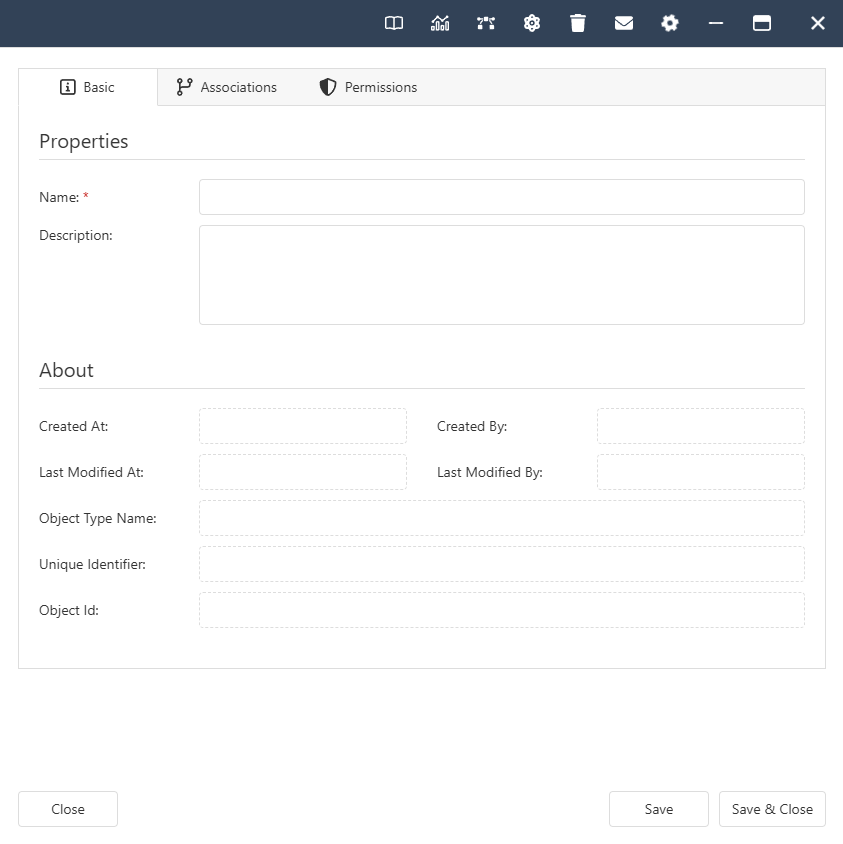
Viewable Object Interface
Viewable Object Associations
System -
- Contained By. Allowed Types - Folder.