
Help Resources
Payment Gateway
Payment Gateway Overview
There are four parts to ecommerce in XPOR.
- Listing products
- Customers selecting products
- Customers checking out
- The payment gateway for selling the products to the customer.
The Payment Gateway is the fourth part - it allows your customers to purchase their product through some method of payments. There are many ways they can pay, they are as follow (Each have their own help resource for more information).
- BACS Payment Gateway - allows payments to go through the BACS service which is used by a large number of banks in the UK.
- Cheque Payment Gateway - allows a cheque to be made out from your customer to the company.
- International BACS Payment Gateway - allows payments from abroad through the BACS service.
- Paypal Payment Gateway - sends information to Paypal to manage the payment through their services.
- World Pay Payment Gateway - uses the World Pay financial service to manage payment, another popular international option.
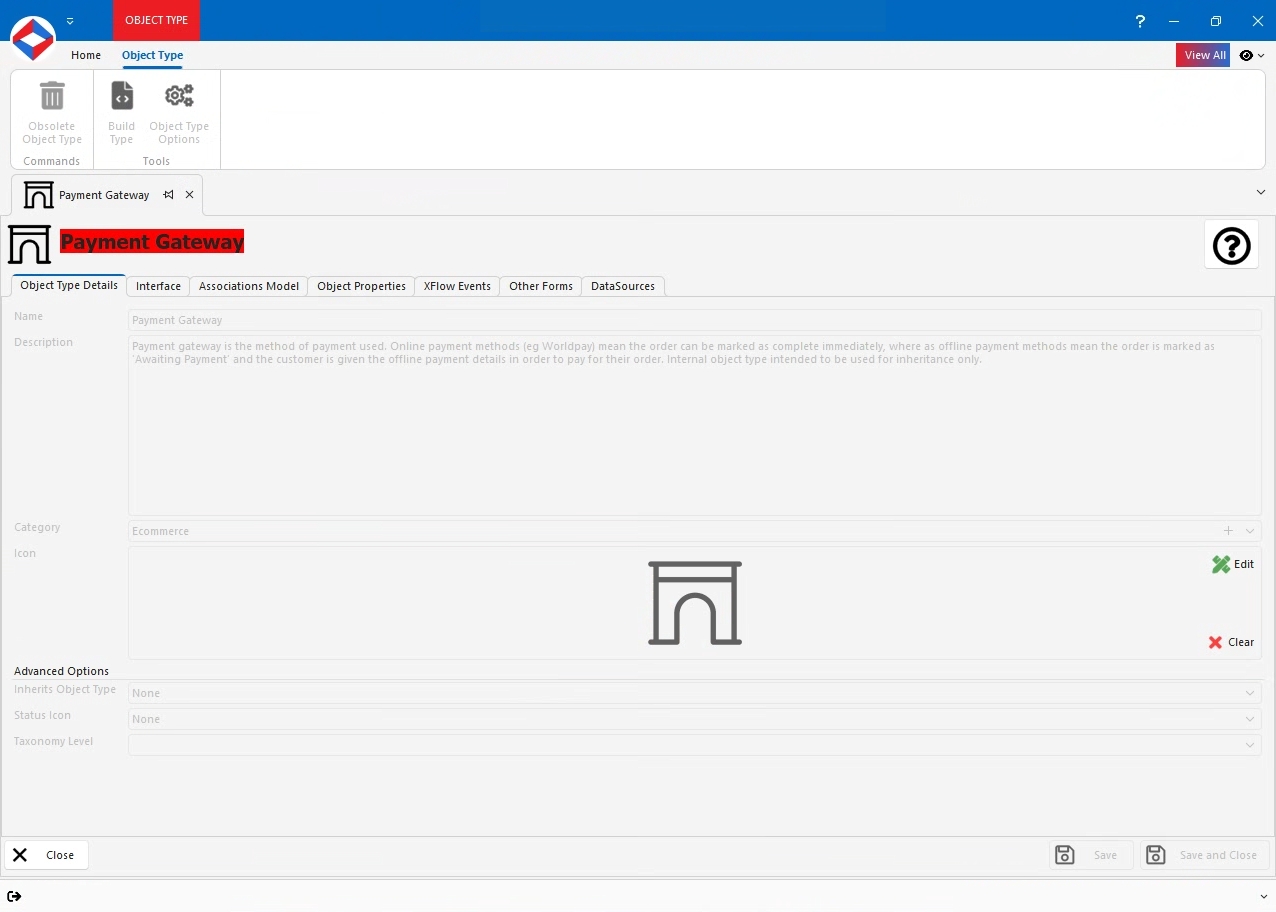
Payment Gateways are made under Order Type objects. You should already have your Order Type object ready from setting up your Basket/Checkout atoms - if you have not yet done so, see the relevant help resource.
Payment Gateway Properties
- Discount - Number Property. Represents the discount amount that can be applied to an order when this payment gateway is used. It is applied automatically during checkout.
- AppliedDiscount - Number Property. Shows how much discount was actually used for a particular order. It records the final discount amount that was deducted from the order total.
Payment Gateway Interface
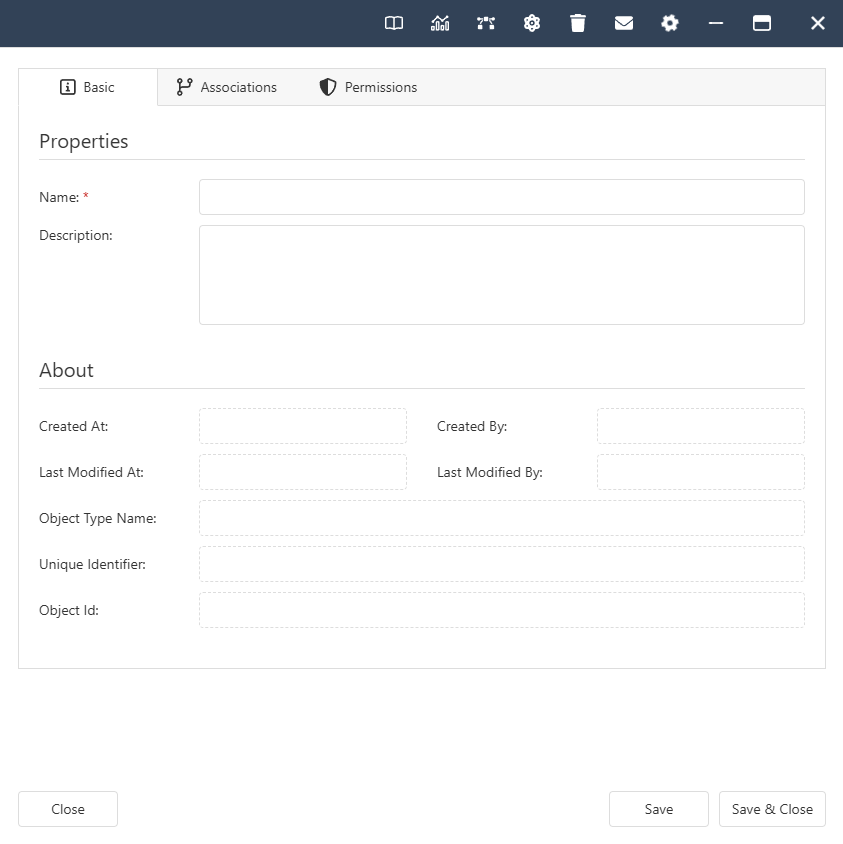
Payment Gateway Associations
- System -
- Contained By. Allowed Types - Folder, Order.
- Ecommerce -
- Applicable Discount Vouchers. Allowed Types - Discount Voucher.
- Payment Gateway For. Allowed Types - Order Type.