
Help Resources
YouTube Video
YouTube Video Overview
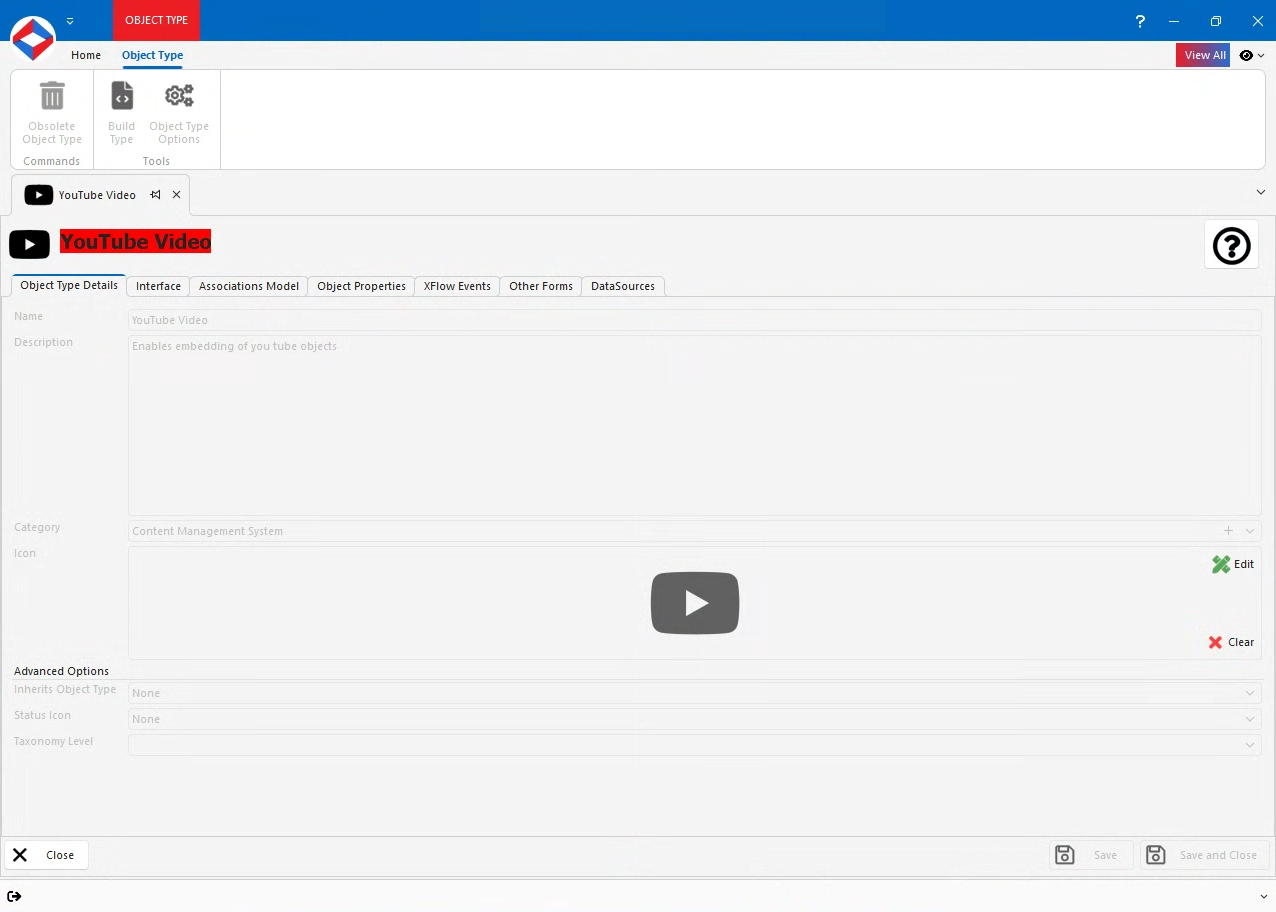
The YouTube Video Object Type lets you embed YouTube videos directly into your website or application. By adding a YouTube Video object, you can display a video player that pulls the video from the YouTube platform while still maintaining control over its appearance and behavior on the front‑end.
YouTube Video Properties
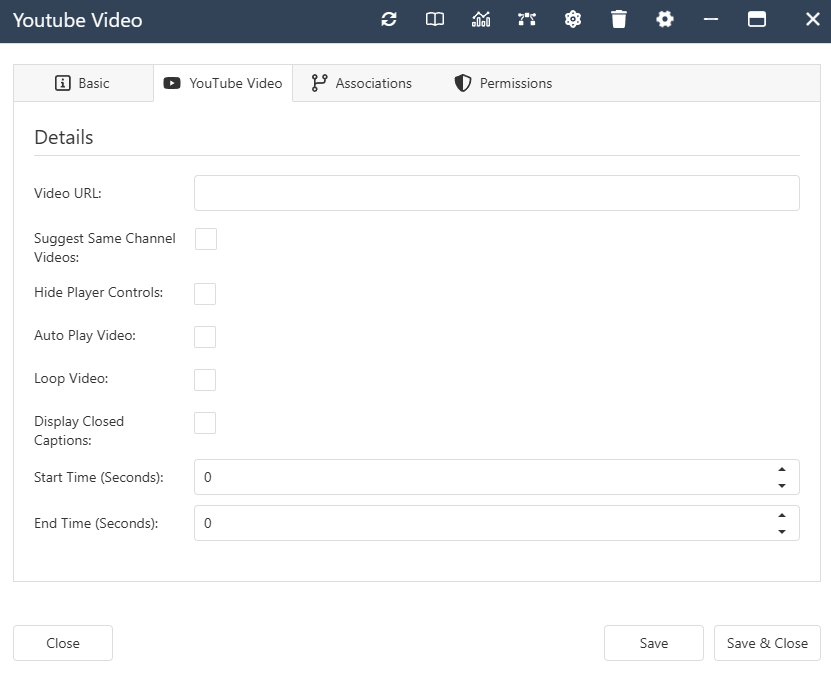
- VideoURL - Text Property. The link to the YouTube video.
- AutoPlay - Boolean Property. Start the video automatically when the page loads.
- LoopVideo - Boolean Property. Repeat the video when it finishes.
- HidePlayerControls - Boolean Property. Hide the default YouTube player controls.
- ClosedCaptions - Boolean Property. Enable or disable closed captions.
- SuggestSameChannelVideos - Boolean Property. Show related videos from the same channel.
- StartTime - Number Property. Begin playback at a specific time (in seconds).
- EndTime - Number Property. Stop playback at a specific time (in seconds).
YouTube Video Interface
YouTube Video Associations
- System -
- Contained By. Allowed Types - Folder, File Store, Product.
- Ecommerce -
- Image/Video of Product. Allowed Types - Product.