
Help Resources
Virtual Atom
Virtual Atom Overview
Virtual Atom is a reusable component that can be placed in many parts of a website, such as Menus or HTML Atoms as a Widget. Think of it as a building block that you configure once and then use wherever you need it.
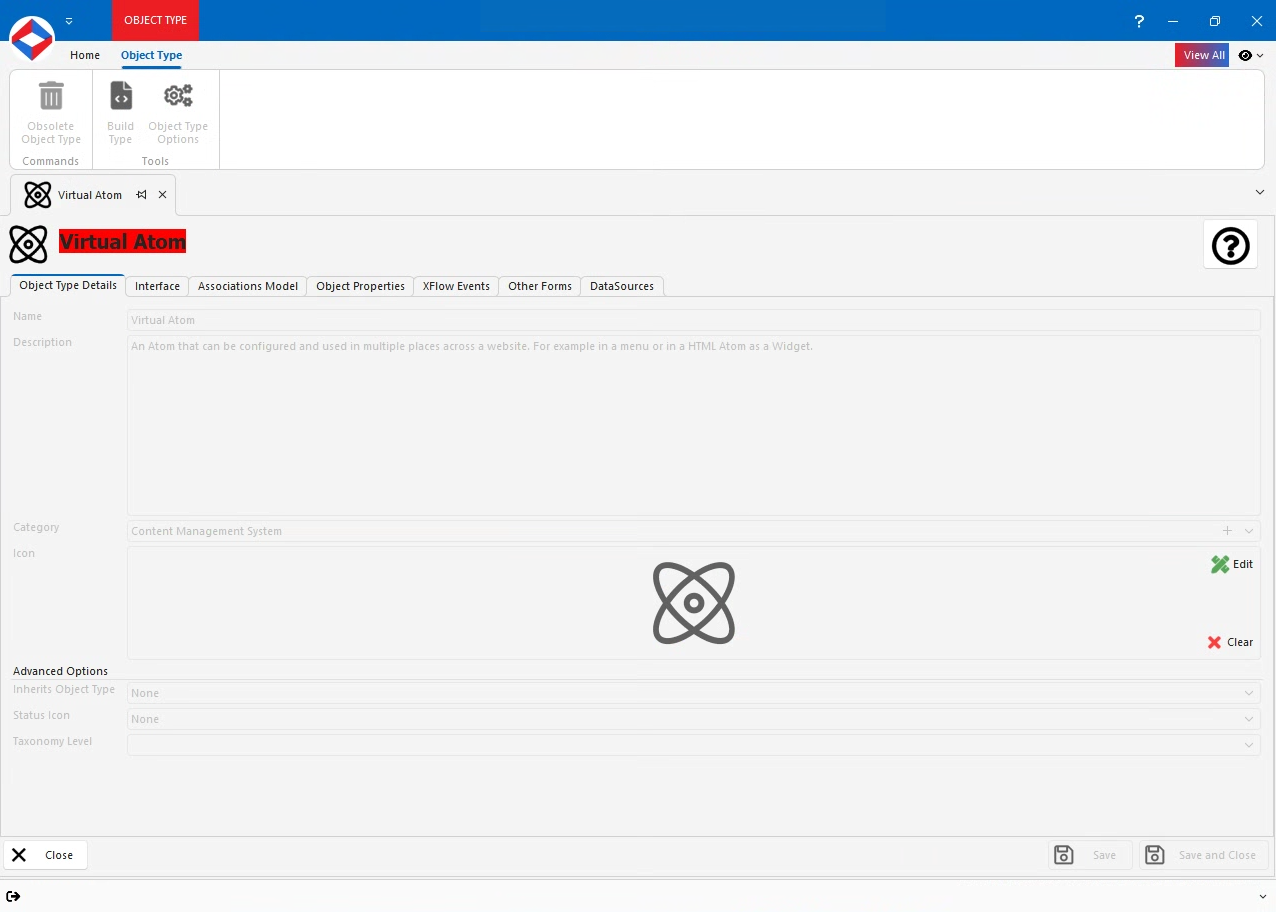
Virtual Atom Properties
- Params - Text Property. Holds the parameters for the atom.
- Content - Text Property. Text that will be displayed inside the atom.
- AtomTypeGuid - GUID Property. Tells the system which specific atom type (e.g., Menu, Login, etc.) this virtual atom should render as.
- Height - Number Property. Height of the atom in pixels. Use a numeric value like 200 for 200px.
- Width - Number Property. Width of the atom in pixels. Use a numeric value like 300 for 300px.
- BackgroundColour - Text Property. Colour code (e.g., #FFFFFF) that sets the background colour of the atom.
- Padding - Number Property. Space inside the atom’s border, measured in pixels. A value of 10 adds 10 px of padding on all sides.
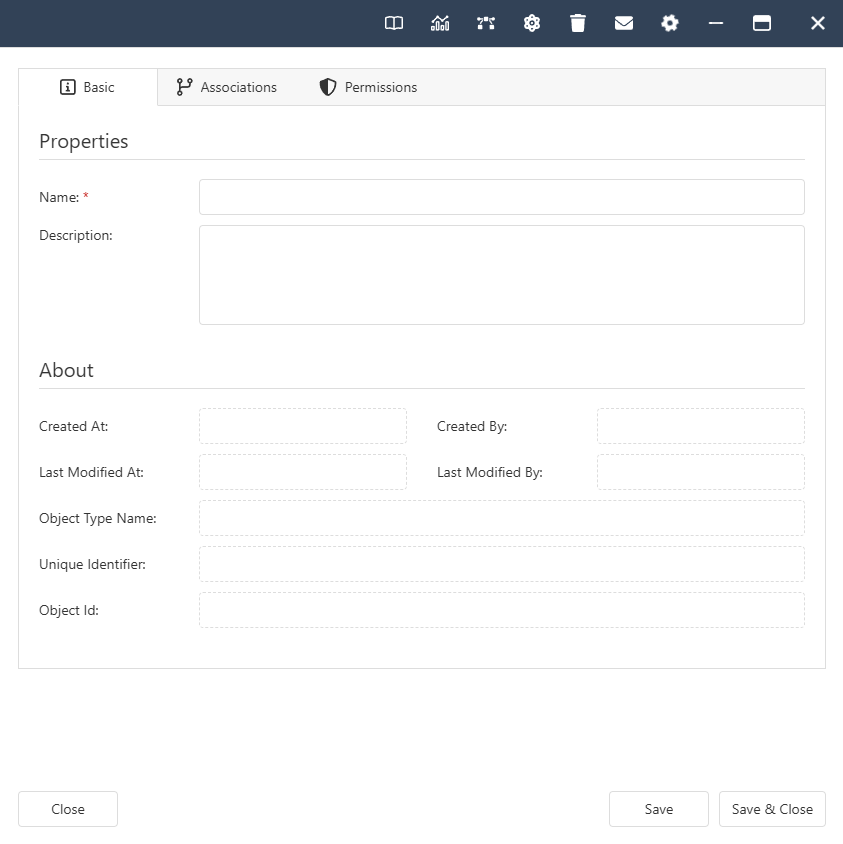
Virtual Atom Interface
Virtual Atom Associations
- System -
- Contained By. Allowed Types - Link, Website, Website Folder, Virtual Atom Set, Web Page.